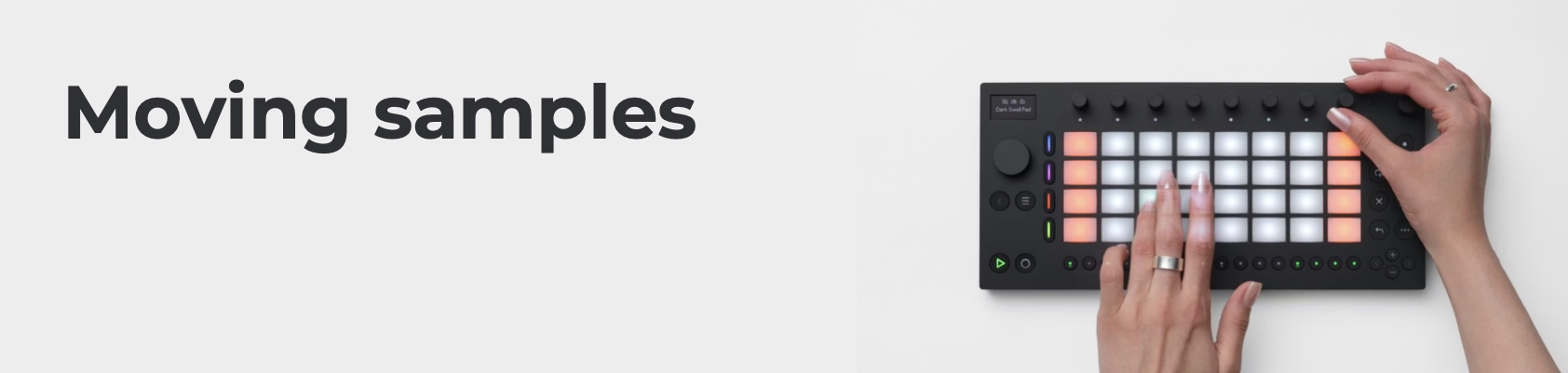
We were very fortunate to get a class set (16) Ableton Moves for Music Education at the Sydney Conservatorium of Music at the start of this year. I’m aware that they’re too expensive for most schools, though at around the same price as an iPad (and much cheaper than a decent desktop computer), it will be possible for well-funded schools/music departments (with a bit of fund raising!) to consider them. Don’t know what an Ableton Move is, or what it does? Here’s one of Ableton’s promo videos:
In terms of pre-service music teacher training, I am interested in ours learning the Ableton Moves for a whole host of reasons. First, in real world electronic music production practice, the idea of “the DAWless studio” has been gaining traction for a long time now. The idea here is that songwriters and producers who have often trained in songwriting through Digital Audio Workstations (DAWs) like Logic, Cubase, Pro Tools, or Ableton Live, find it nice to get away from the screen and make music on a device that is more like a musical instrument than a computer.
There are many of these such devices – from simple Grooveboxes that might only cost a few hundred dollars, to fully formed music production units like the MPC or the version of the Ableton Push that has the computer baked-in. I was inspired by the Ableton Move as sitting in the middle of that field – small, compact, and not thousands of dollars, but with enormous capabilities (e.g. built in synth engines, playable pads, step sequencing, effects, sampling including an in-built microphone…) albeit within a “4-track” paradigm (that might excite people of my age who fondly remember their Tascam 4-track!
The second reason I’m interested in the Ableton Move as a nice example of the DAWless thing for education is because … well … Ableton. I switched from writing and recording music in Pro Tools and GarageBand/Logic around 2014, simply for the reason that most of the bedroom producers I was reading about were using Ableton Live or FL Studio. I already had FL Studio and could use it, but it wasn’t ever going to replace Pro Tools for multi-track or live multi-mic’ed recordings, so I tried out Ableton Live. I did some courses at LiveSchool – without those, I don’t think I’d have made the switch so quickly.
But this isn’t to advertise Ableton – although you should check out their education resources and stuff – but to say I felt like I had a responsibility to know how to use what the young people themselves were using – and I love that the Ableton Move can also act as a controller for the Ableton Live DAW, so it really is a way to engage with something that catches hold of student motivation. And, of course, there are tons of other things it can do – it recently got audio recording, it can control my standalone synthesizers, and more.
So, this semester I rewrote my “Flipping Samples” unit which used to use Andrew Huang’s Flip Sampler (I still love that app, too – definitely the easiest dedicated iOS sampler for me) and renamed it “Moving Samples” to get our students making their own samples and songs. Wait, you’d like all those resources? Sure! But first, here’s Ableton’s little “free sampling” video to get you into the idea of what it’s all about.
When I got students making their own samples, I showed them how to do it first (as it says in the lesson plans etc.) – but I found that they forgot more on the Moves than they had in Flip, so I made a little cheat sheet that they could take with them:
The unit also includes a listening task where students rebuild a classic – Fatboy Slim’s Praise You …
I hope you enjoy!
